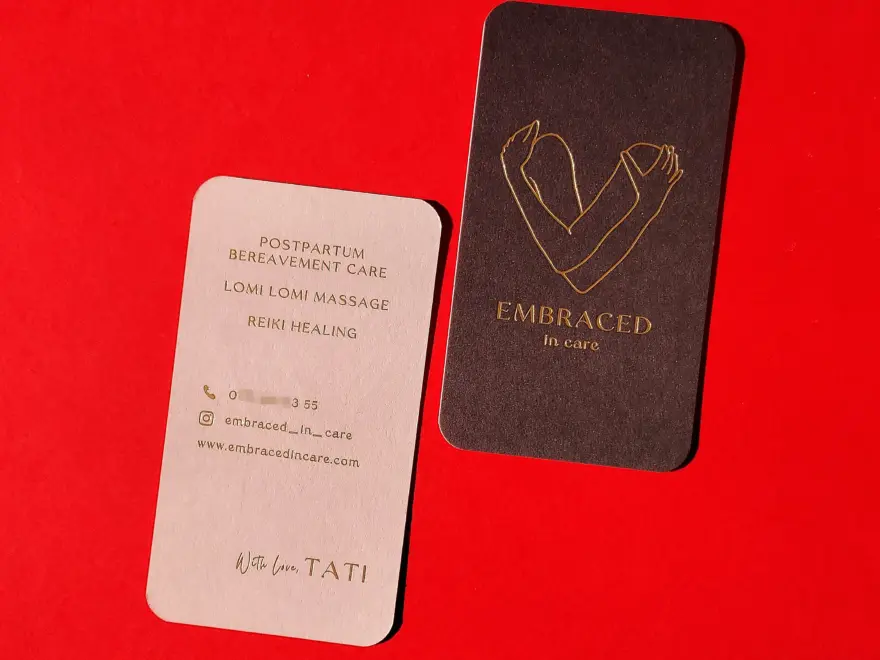
Standard square cards are everywhere, which makes them easy to forget. A rounded corner business card template gives your details a softer, modern look that feels distinctive in the hand. It is a small design choice that helps your card stand out in a crowded stack.
Rounded corners also add practical value. They resist bending and fraying better than sharp points, so cards stay crisp in wallets and pockets. Combined with a clean layout, this finish signals polish, attention to detail, and a brand that cares about quality.

Why Rounded Corners Work
Rounded corners project approachability. Soft edges suit creative studios, wellness brands, cafes, and service businesses that want a friendly tone. They also pair well with minimalist layouts, where shape and spacing carry as much personality as color or typography.
They feel premium without a premium price. Many printers offer corner rounding as a simple add-on, often costing only slightly more than standard cuts. For a modest upgrade, you gain a tactile detail that people notice the moment they pick up your card.
Durability is another benefit. Sharp corners tend to dent and crease during everyday handling. Rounded corners spread contact more evenly, helping cards look newer for longer, which matters when you hand them out at events or client meetings.
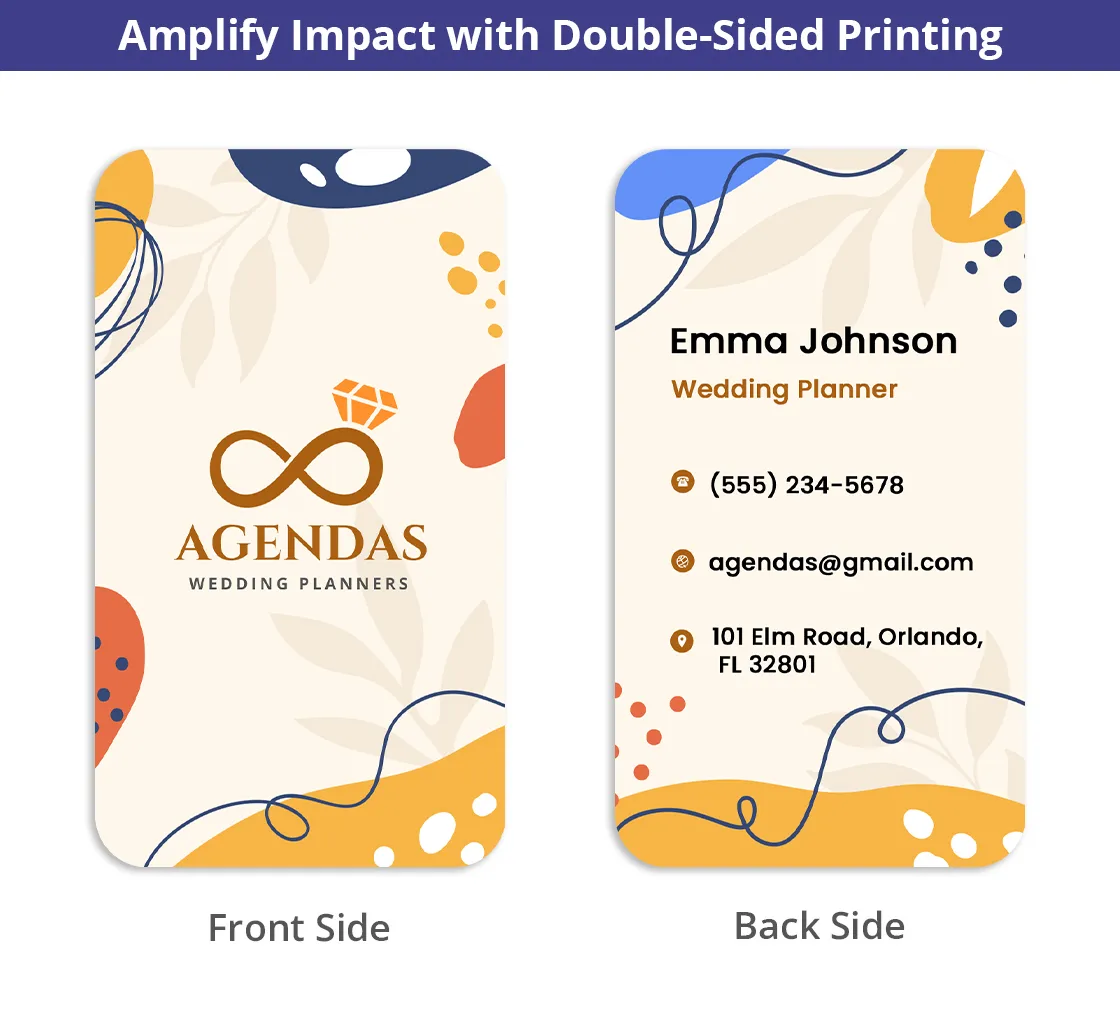
Choosing the Right Template
Start with size. The common US standard is 3.5 x 2 inches, while many other regions use 85 x 55 mm. Confirm your printer’s dimensions before designing, and keep key text inside the safe area so nothing is trimmed away.
Look for templates with a clear die-cut guide. This outline shows where corners will be rounded, so you avoid placing logos or text too close to the edge. A typical radius ranges from one-eighth to one-quarter inch, depending on your printer.
Choose editable formats that fit your skills. Canva, Adobe Illustrator, Photoshop, and Word offer templates with fonts, colors, and layers you can adjust. Pick the tool you already know, so you can customize quickly without a steep learning curve.
Prioritize readability. Limit the card to your name, title, phone, email, website, and one social handle or QR code. White space helps rounded designs feel balanced, and a clear hierarchy ensures contact details are found at a glance.
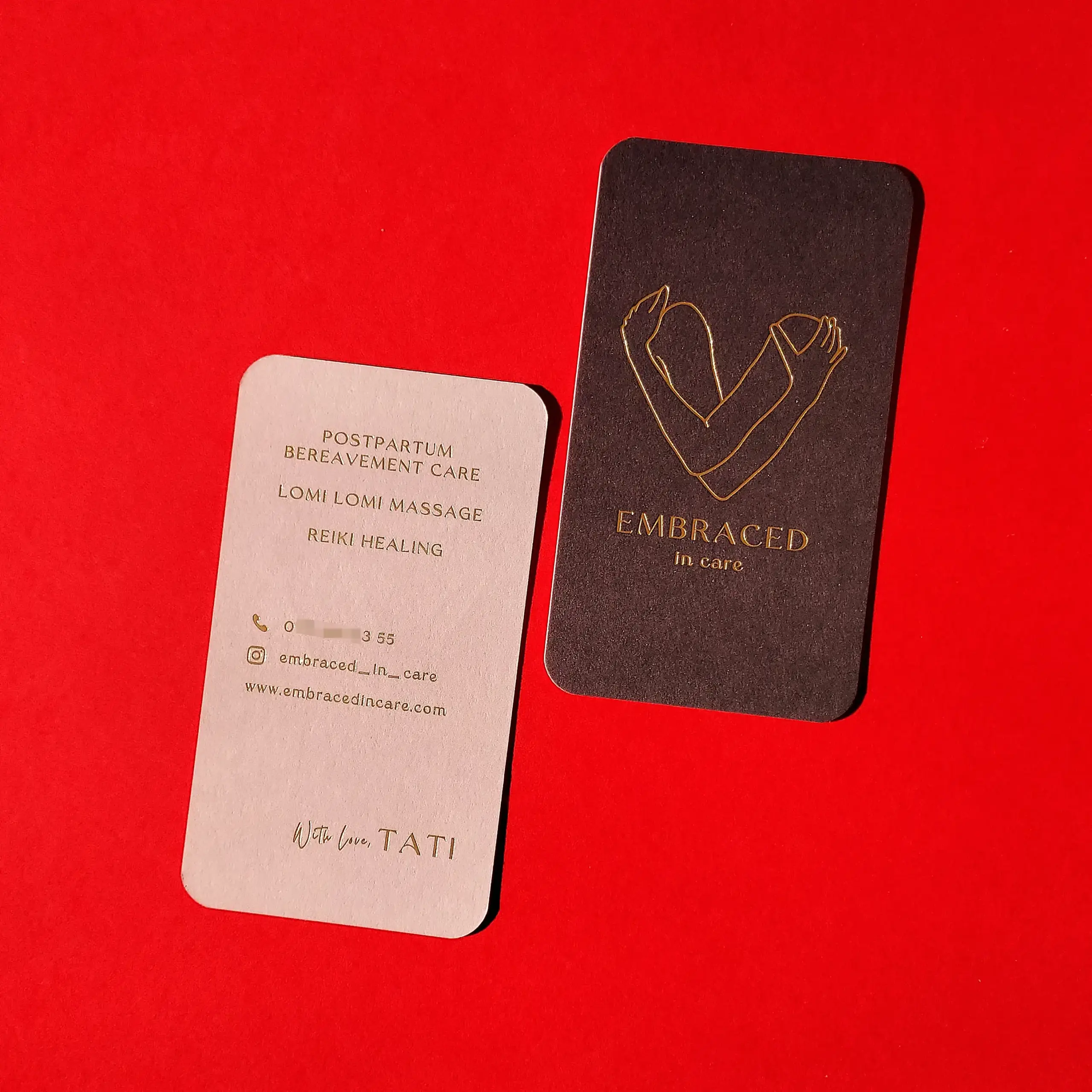
Printing Tips for Best Results
Ask your printer for a template or spec sheet before finalizing artwork. Different shops use different corner radii, bleed sizes, and file requirements. Matching their guidelines prevents surprises such as clipped borders or uneven edges after cutting.
Add bleed, usually 0.125 inch, and extend any background color or pattern into it. Export your file as a high-resolution PDF at 300 DPI in CMYK. These settings keep colors accurate and ensure clean, professional trimming along the curved edges.
Choose thicker stock for a sturdier feel. Paper between 14 and 16 pt, or 350 gsm and above, holds rounded corners cleanly. Matte, soft-touch, and uncoated finishes look especially elegant and make notes or signatures easy to add.
Order a small sample batch first. Check color accuracy, corner shape, and text sharpness before committing to a large run. If everything looks right, reorder with confidence and keep your editable file saved for future updates.