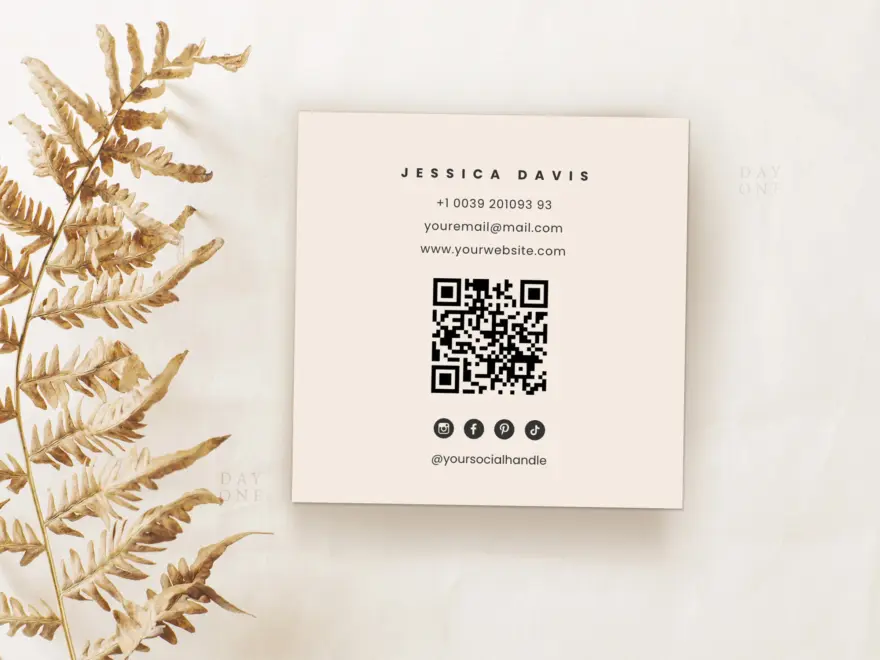
Creating a professional business card is essential for networking and brand recognition. OpenOffice provides versatile templates that simplify the design process, allowing users to create stunning cards quickly. These templates cater to various industries and personal styles.

business card template for openoffice
Business Card Template for OpenOffice
Creating a professional business card is essential for networking and brand recognition. OpenOffice provides versatile templates that simplify the design process, allowing users to create stunning cards quickly. These templates cater to various industries and personal styles.
With OpenOffice, you can customize your business card template to reflect your brand identity. Choose colors, fonts, and layouts that resonate with your target audience. This flexibility ensures that your business card stands out in a competitive market.
Benefits of Using OpenOffice Templates
OpenOffice templates save time and effort, enabling users to focus on content rather than design intricacies. The pre-designed layouts are user-friendly, making it easy for anyone to create a polished business card without graphic design skills.
Additionally, these templates are easily editable. Users can modify text, images, and other elements to suit their needs. This adaptability ensures that your business card remains relevant as your brand evolves.
How to Access Business Card Templates
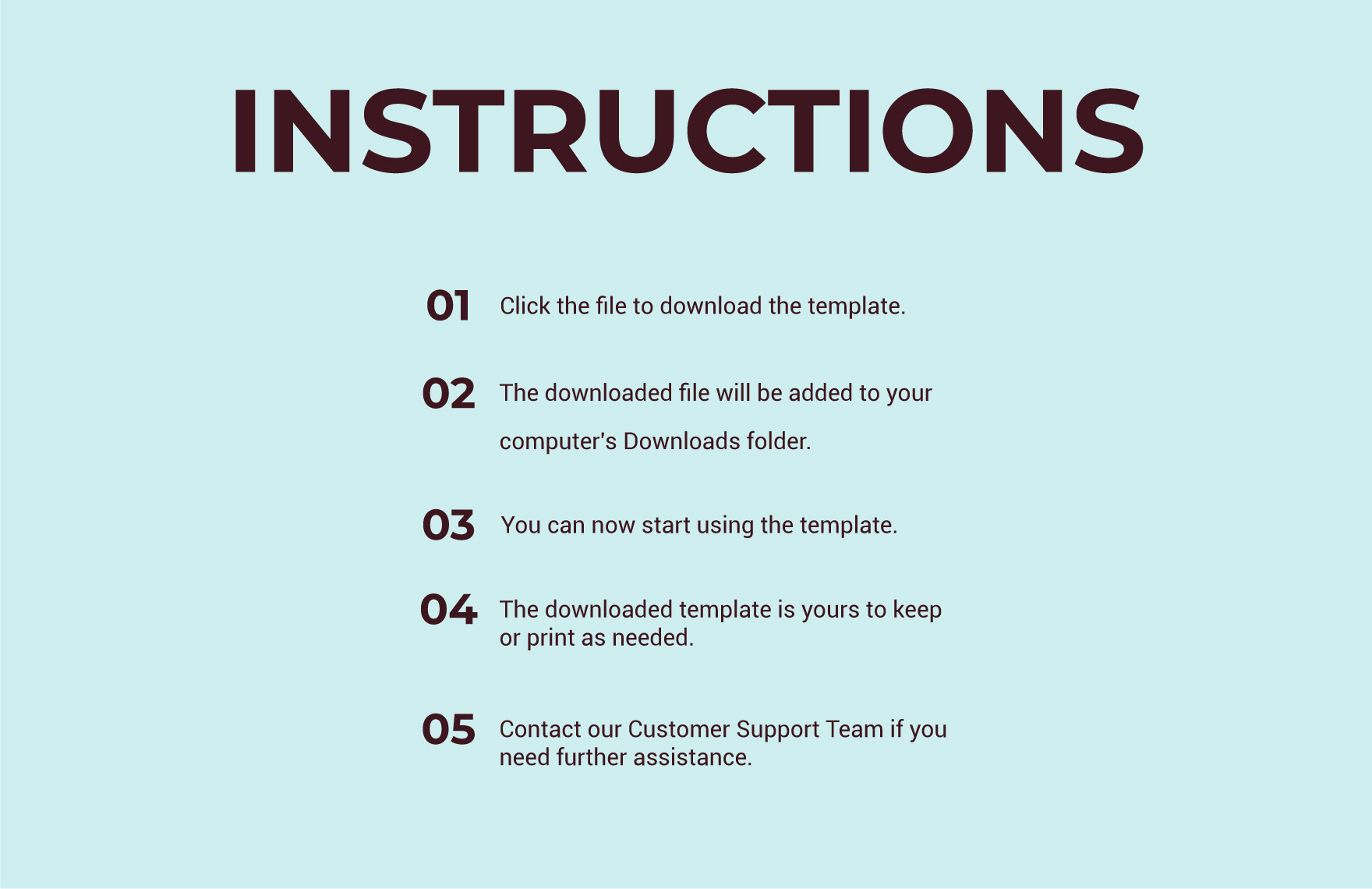
To access business card templates in OpenOffice, navigate to the template section within the software. You can find various options by searching online or visiting the official OpenOffice website for downloadable templates.
Once you’ve selected a template, simply download it and open it in OpenOffice. From there, you can personalize it with your information and branding elements, ensuring a unique touch for your business cards.
Open Office Greeting Card Template
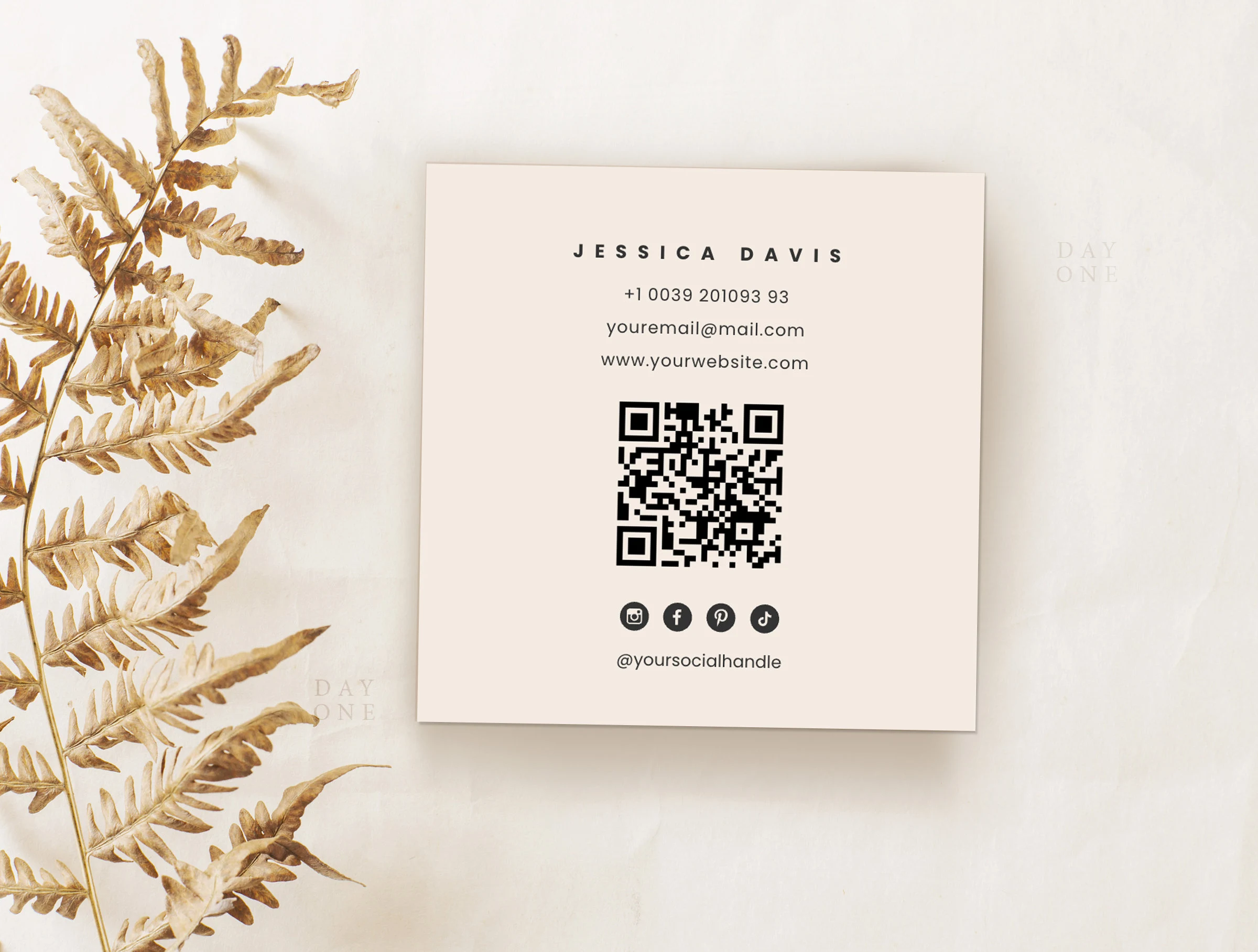
Small Business Card Square Template