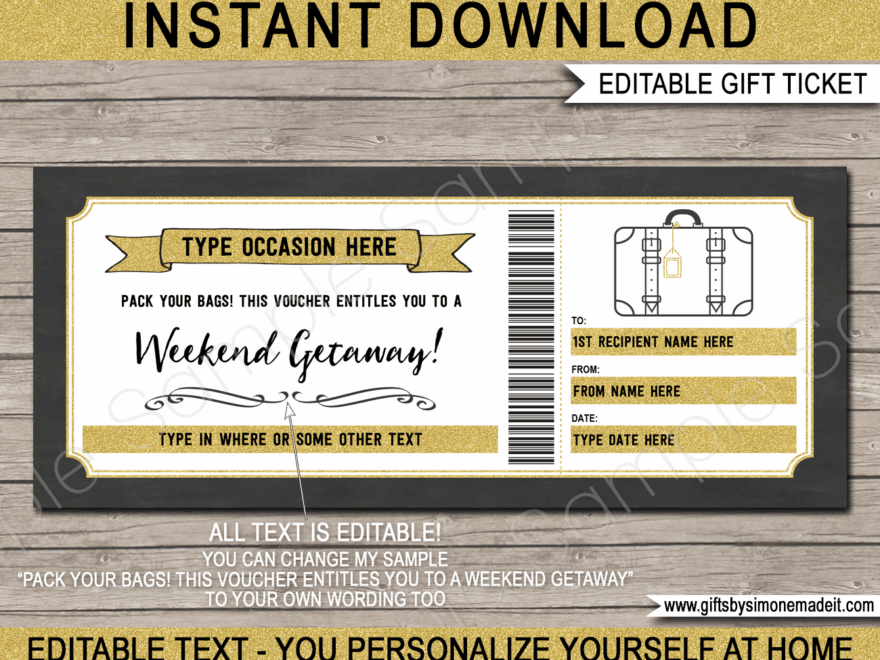
A thoughtful gift does not always need a trip to the store. When you download gift certificate template free, you can create a polished voucher in minutes. It works for birthdays, holidays, thank-yous, and business promotions, and costs nothing but a little creativity.
Gift certificates are flexible, easy to store, and loved by recipients who enjoy choosing for themselves. Free templates remove the design hurdle, so you can focus on the message, the amount, and the personal touches that make the gift memorable.
Where to Find Quality Free Templates
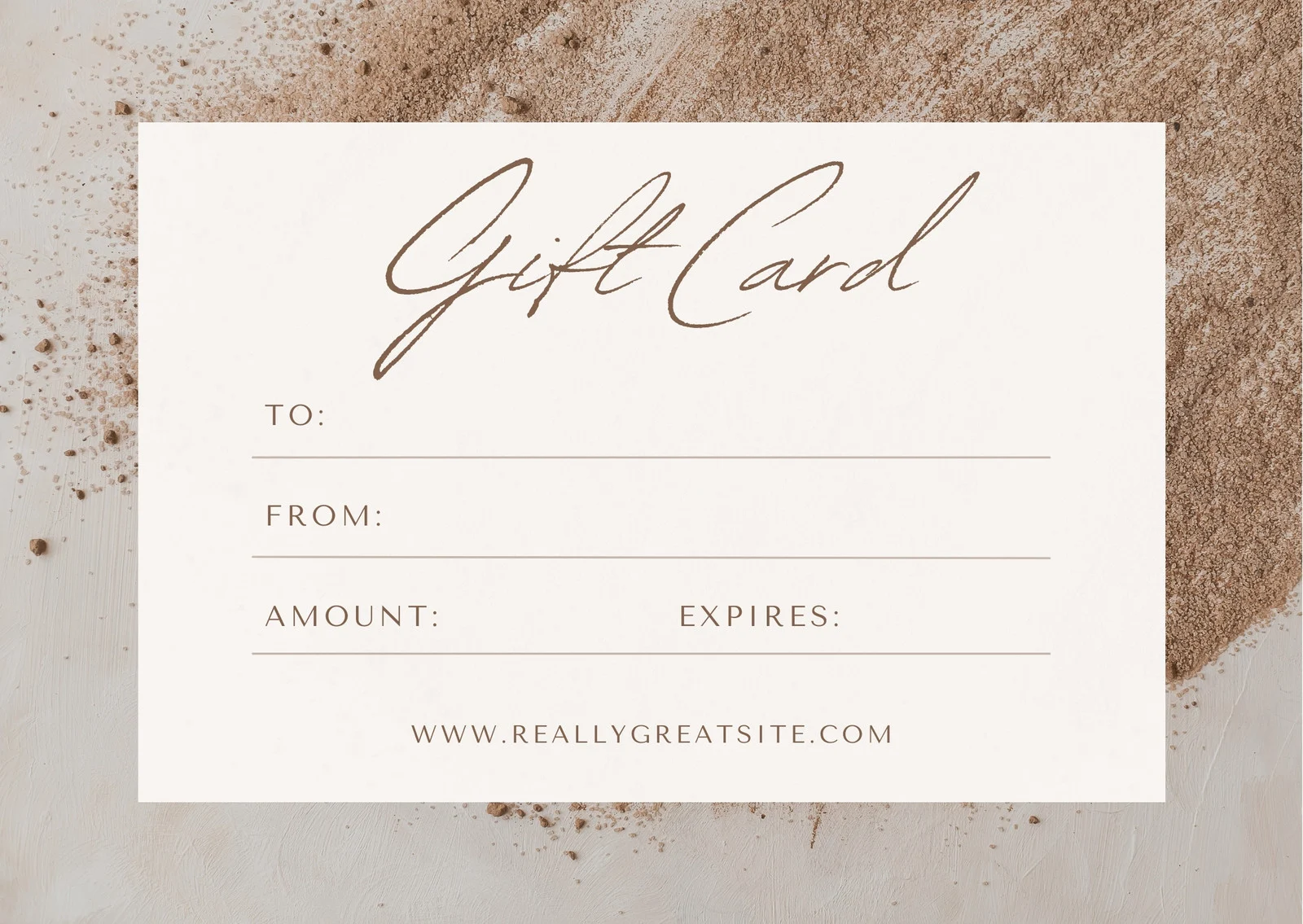
Design platforms such as Canva offer large libraries of editable gift certificate layouts. Browse by occasion or industry, choose a style you like, and customize text, colors, and fonts directly in your browser without installing any software.
Microsoft Word and Google Docs also include built-in templates. Search “gift certificate” inside the template gallery, open a design, and edit it like any document. These options suit people who prefer familiar tools and simple, reliable formatting.
Template websites provide downloadable files in PDF, DOCX, and PNG formats. Check the license before using a design commercially, especially for business promotions. Choose reputable sources, avoid sites with intrusive pop-ups, and scan downloads before opening them.
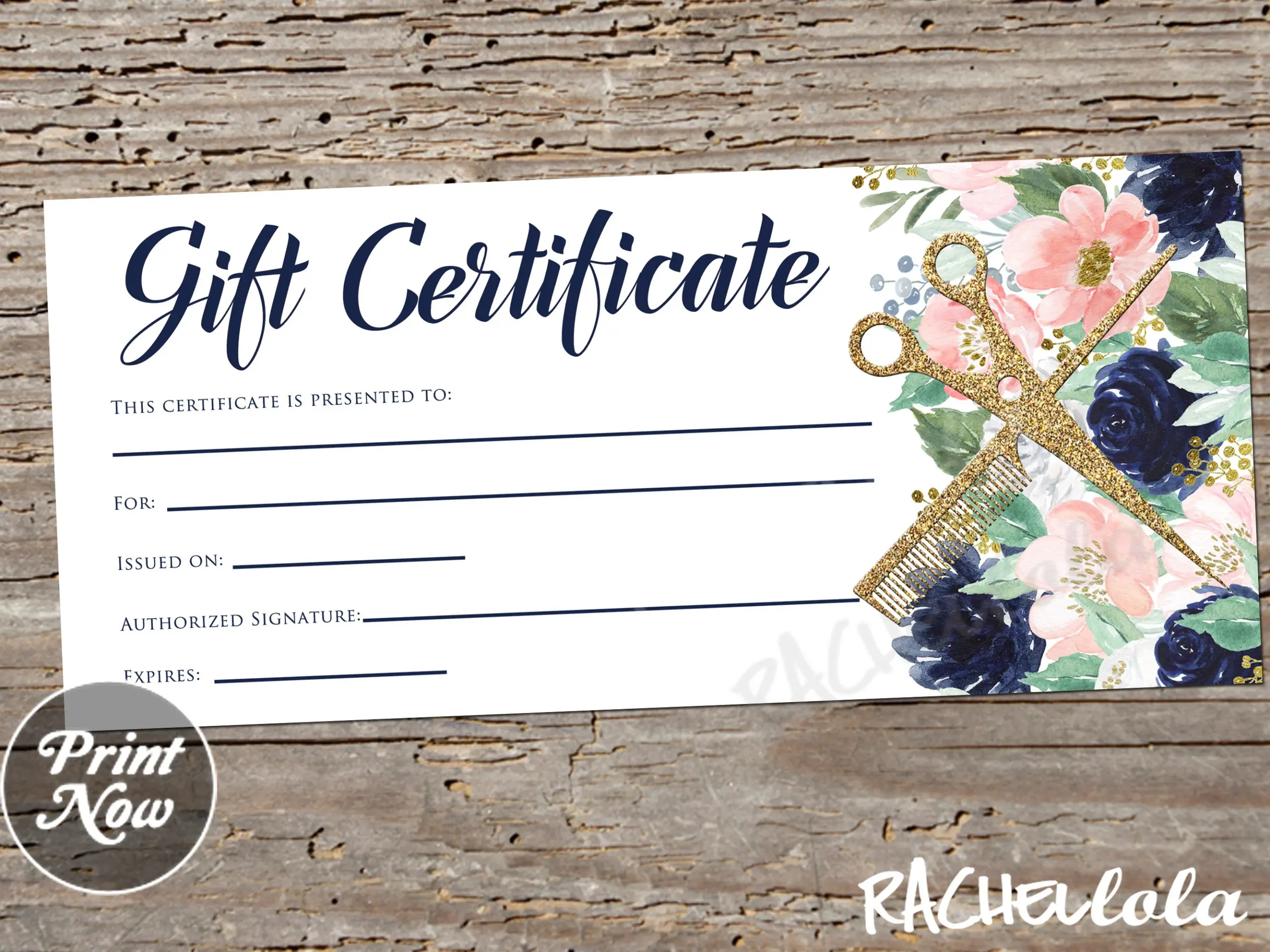
Consider the file type carefully. Editable DOCX or PSD files give maximum control, while PDFs are better for fill-in-the-blank printing. Select the format that matches your comfort level and how much customization you need.
Customizing Your Gift Certificate
Include the essentials so the voucher feels official. Add the recipient’s name, the giver’s name, the value or service, an expiration date, and a unique certificate number. Clear terms prevent confusion and make redemption simple for everyone.
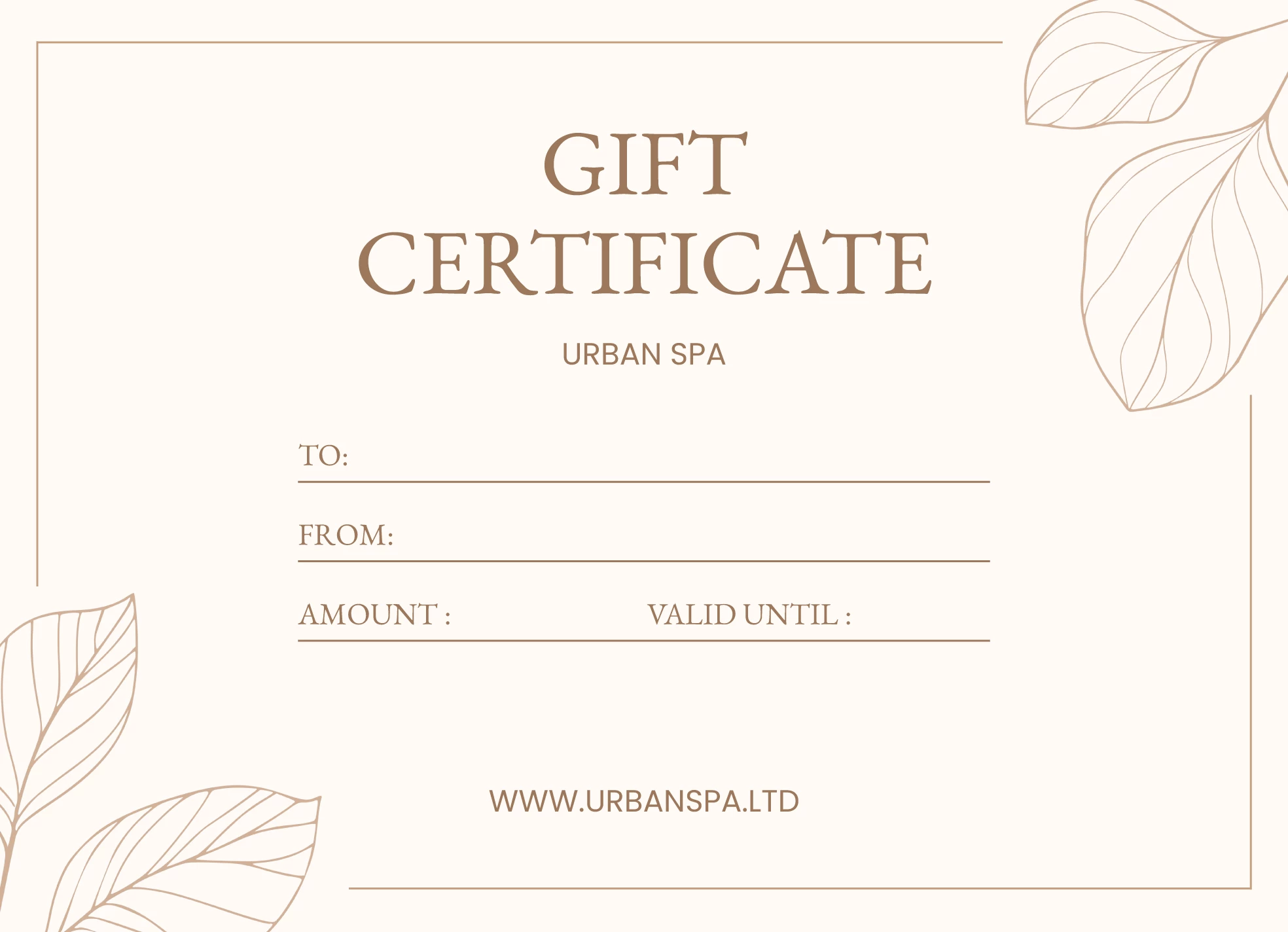
Match the design to the occasion or brand. Soft pastels suit baby showers, bold colors fit sports or kids, and elegant gold accents work for spas and restaurants. Add your logo and brand fonts to build recognition if you run a business.
Write a short, warm message. A single sentence like “Enjoy a relaxing day on us” feels more personal than a blank space. Keep wording concise so the amount and redemption details remain easy to read.
Printing and Presenting with Style
Print on heavy cardstock, between 80 and 110 lb, for a sturdy, professional feel. Use high-quality settings and a matte or satin finish to prevent glare. Test one copy first to confirm colors, margins, and alignment.
Trim edges neatly with a paper cutter, and consider rounded corners for a refined look. If your template includes bleed, print on larger paper and cut along the guides. Clean edges instantly elevate a homemade certificate.
Present it beautifully. Slip the certificate into an envelope, tie it with ribbon, or tuck it into a small gift bag with a treat. Digital versions can be emailed as PDFs, which is ideal for long-distance gifts and last-minute surprises.
Protect your business by tracking each certificate. Record numbers, amounts, and redemption dates in a simple spreadsheet. This prevents duplicate use, keeps accounting tidy, and ensures customers have a smooth, trustworthy experience every time they redeem.